
How to use Site Audit data in Sitechecker MCP
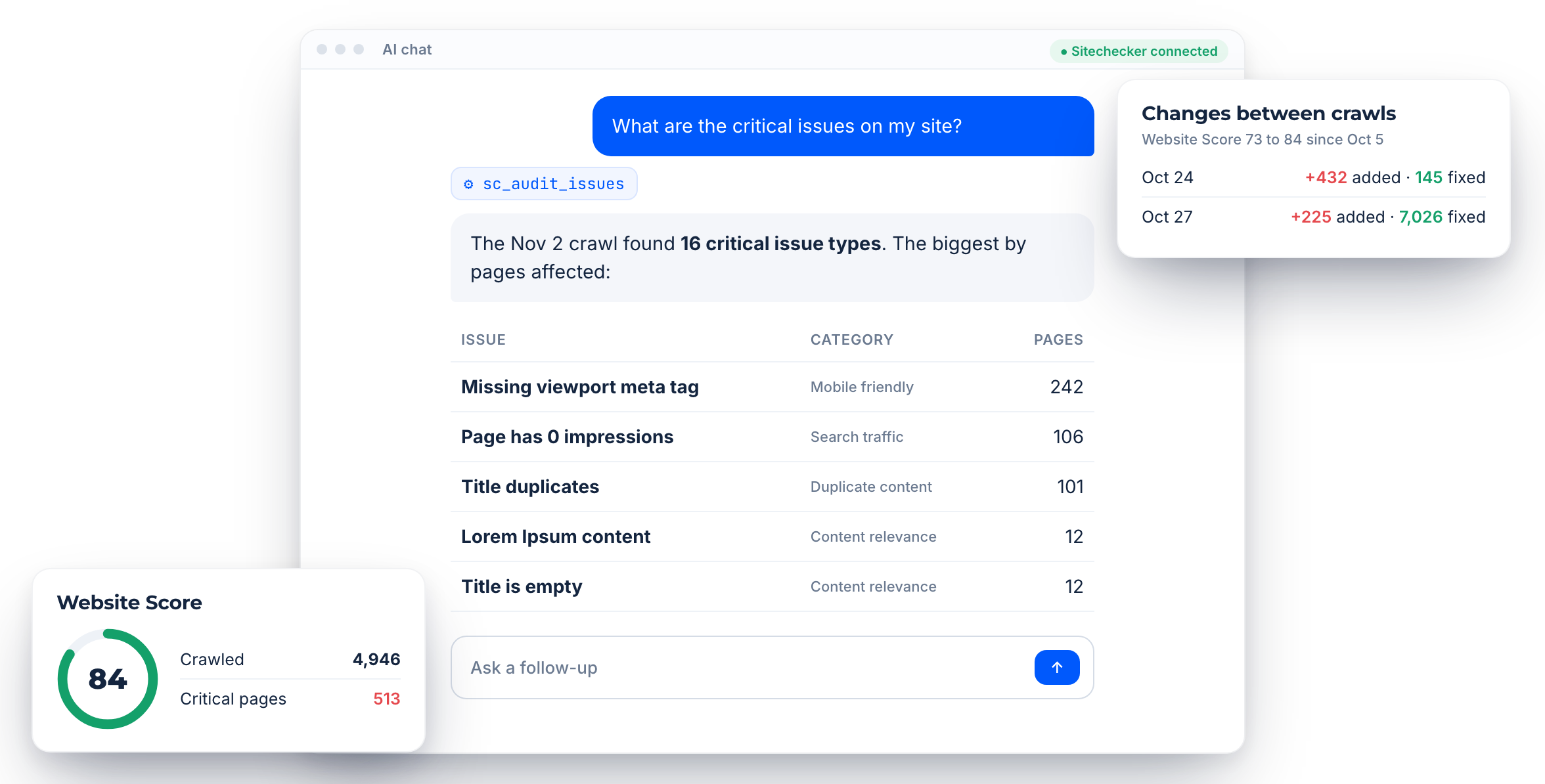
Sitechecker MCP lets your AI assistant read the results of your Site Audit and Site Monitoring. Ask what is broken on your site, which pages are affected and what changed since the last crawl, and get answers from your own crawl data.
What you can ask about
- Website Score, crawled pages and issue counts from the latest crawl.
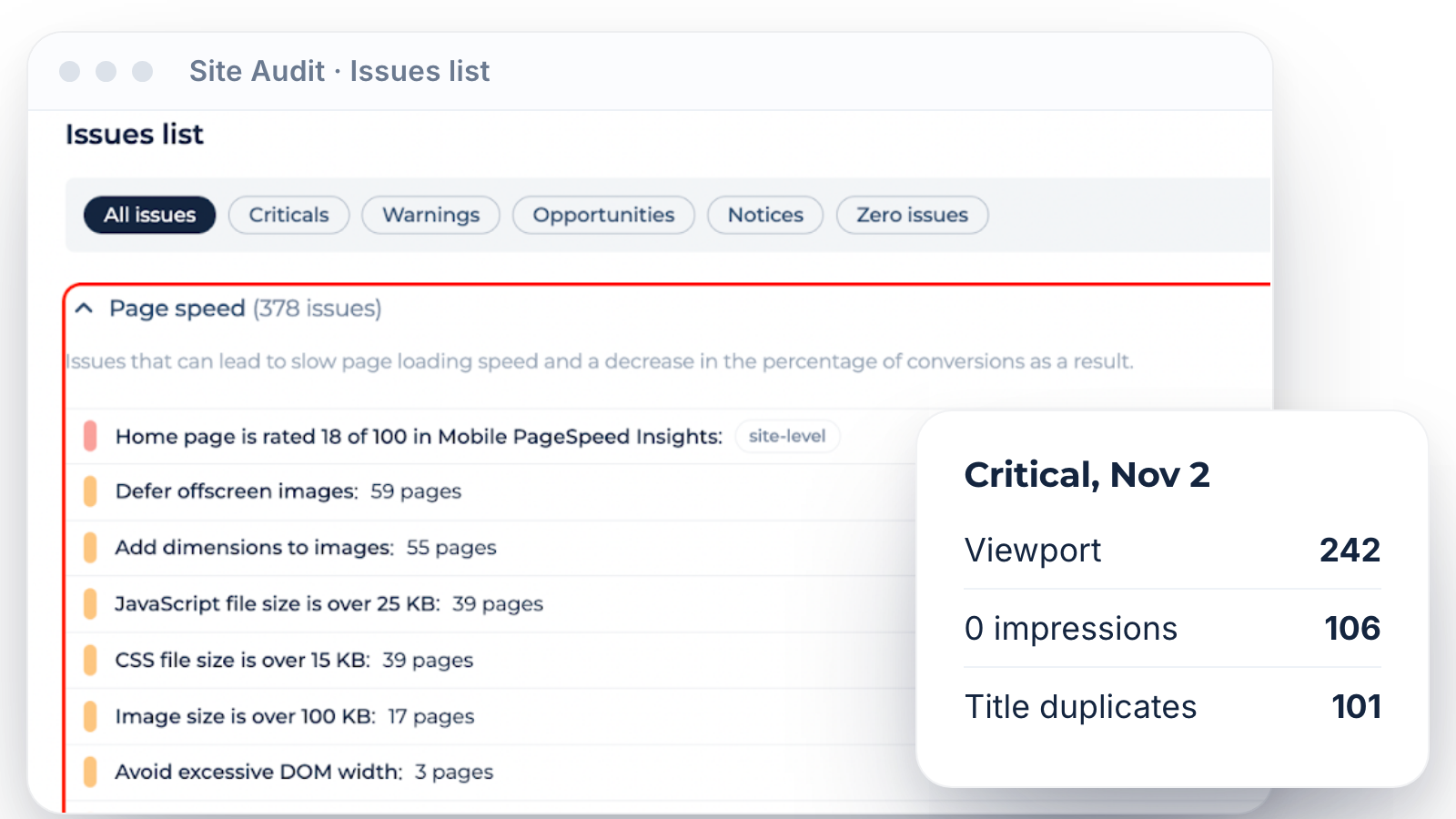
- Every issue type with its severity, category and number of affected pages.
- The exact URLs affected by an issue.
- Page details for one URL: status code, canonical, robots.txt, meta tags and where it was found.
- Changes between crawls and on monitored pages.
- Issues for one page segment only.
Before you start
- Connect Sitechecker MCP to your AI assistant. See How to connect Sitechecker MCP.
- Make sure your project has at least one finished crawl. See How to use Site Audit.
- For change tracking, see How to use Site Monitoring.
Prompts to try
- What are the critical issues on my site, ranked by pages affected?
- Which URLs have duplicate titles?
- Check the page details for /pricing/ and tell me if anything is wrong.
- What changed after the last crawl?
- Show issues for the blog segment only.
- Turn the critical issues into a fix list for developers.
Reports the assistant can use
- Audit summary: Website Score, crawl status and issue counts. See How is Website Score calculated.
- Issues: all issue types from the latest crawl, filterable by severity, category and segment.
- Affected pages: the URLs for any issue.
- Page details and content: technical data, issues, text and headings for one URL.
- Site Monitoring: what changed between crawls and on monitored pages. See Site Monitoring FAQ.
- Segments: page groups you set up in the project. See Page segmentation.
Good to know
- The MCP reads results from crawls scheduled in your project. It cannot start a new crawl. Start and configure crawls in Site Audit.
- The MCP is read-only. It cannot change crawl settings or mark issues as fixed.
- Need the same data as JSON for tickets or dashboards? See How to use the Site Audit and Site Monitoring API.
For an overview of the product, see the SEO site audit MCP page.
Frequently asked questions
Can the assistant start a new crawl? Not yet. Sitechecker MCP reads results from crawls scheduled in your project. You start and configure crawls in Site Audit.
Which issues can I ask about? All issue types from Sitechecker Site Audit, from critical issues to warnings, opportunities and notices. For each issue, the assistant can list the affected URLs.
Can I limit answers to one part of my site? Yes. Ask for a segment by name, for example the blog or product pages, and the assistant filters issues to that segment.
Which Sitechecker plans include the MCP? Sitechecker MCP is available on all plans: Basic, Standard, Premium and Custom. Access is unlimited, with no monthly cap on tool calls. Each connection can make up to 10 tool calls per second.
Need help?
If you have questions about Site Audit data in Sitechecker MCP, write to us at support@sitechecker.pro. We are happy to help.