
How to use AI Visibility data in Sitechecker MCP
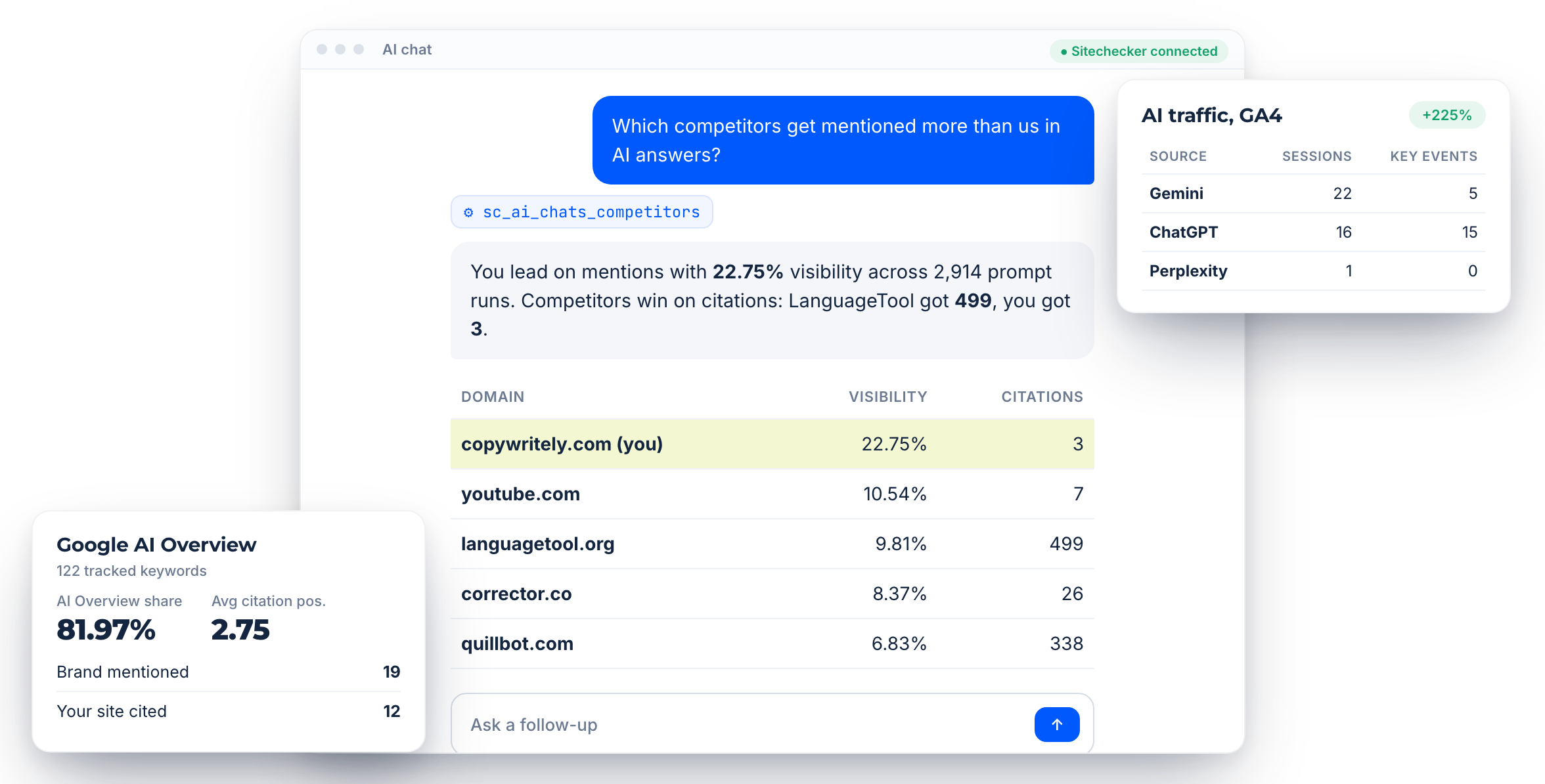
Sitechecker MCP lets your AI assistant read your AI Visibility data: brand mentions and citations in AI chats, Google AI Overview results and AI referral traffic. Use it to track AEO results and report them without opening the app.
What you can ask about
- Brand visibility, mentions, citations and citation share across your tracked prompts.
- How your brand compares with competitors for the same prompts.
- Which domains and pages AI answers cite.
- Individual AI responses for a tracked prompt.
- Google AI Overview coverage, brand mentions and citation positions for tracked keywords.
- Sessions and key events from AI chats in GA4.
Before you start
- Connect Sitechecker MCP to your AI assistant. See How to connect Sitechecker MCP.
- Set up prompts in AI Visibility. The MCP reads the prompts, keywords and competitors you track. See How to use AI Visibility.
- For Google AI Overview data, track keywords in Rank Tracker. For AI traffic, connect GA4 to your project.
Prompts to try
- Which competitors get mentioned more than us in ChatGPT answers?
- How did our brand visibility change over the last 30 days?
- Which domains do AI answers cite most for our prompts?
- Show the latest Gemini response for this prompt and list the brands it mentions.
- How many tracked keywords trigger an AI Overview, and where are we cited?
- Write a monthly AEO summary for this client with mentions, citations and AI traffic.
Reports the assistant can use
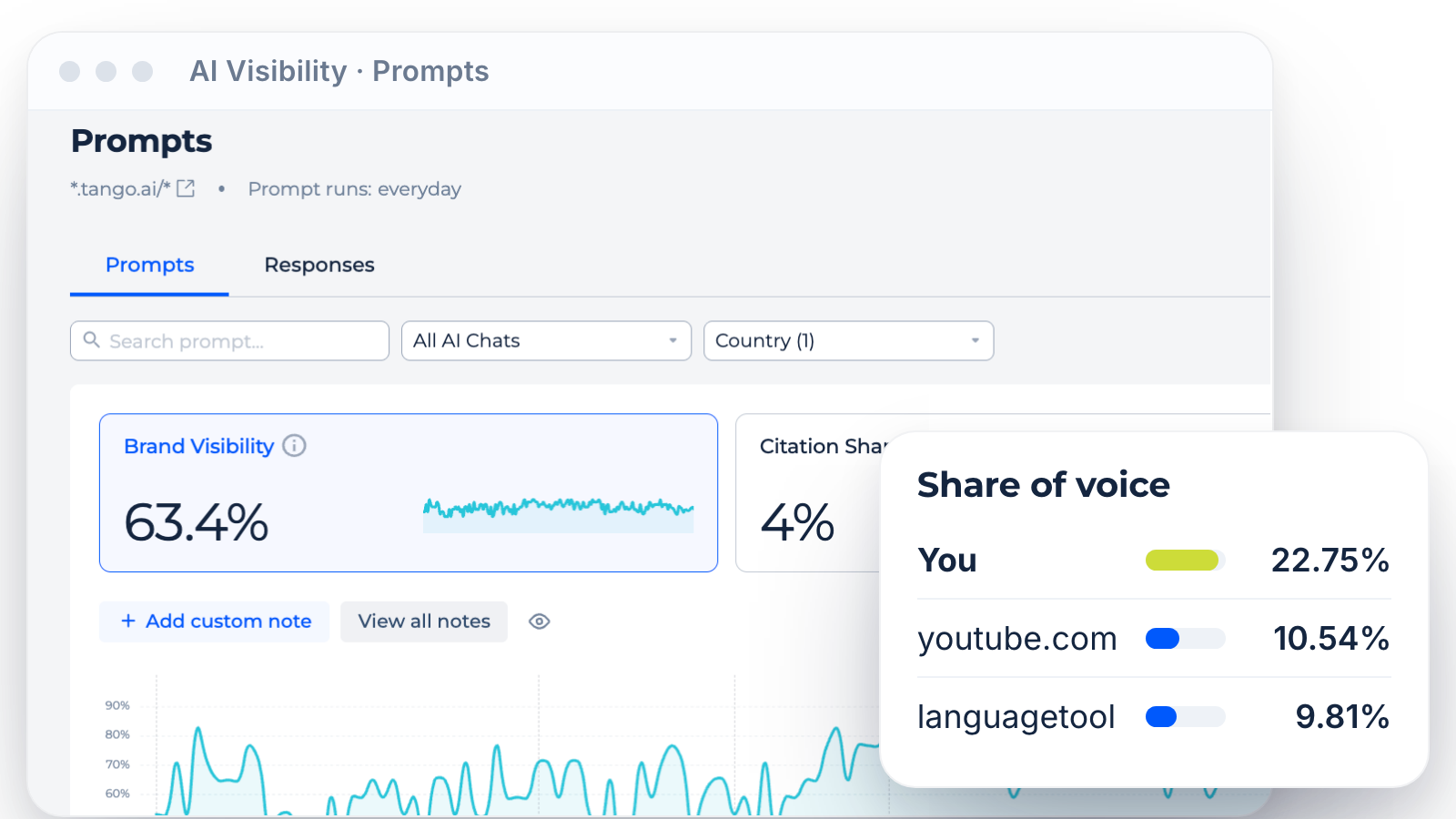
- AI Chats: visibility, mentions, citations and citation share by AI model and country. See Prompts.
- Competitors: your brand next to rivals for the same prompts. See Competitors.
- Citations: cited domains and URLs. See Citations & Domains.
- Responses: individual AI answers with the brands and sources they name.
- Google AI Overview: coverage, mentions and citation positions, plus the exact answer for one keyword. See Google AI Overview.
- AI Traffic: sessions and key events from AI chats. See AI Traffic.
Good to know
- The MCP reads tracked data only. To add or edit prompts, use AI Visibility in the app.
- Each prompt tracked in one AI model uses one prompt from your plan limit.
- For branded client reports, use the AEO white-label tool.
For an overview of the product, see the AI visibility MCP page.
Frequently asked questions
What is AEO? AEO, or answer engine optimization, is the work of getting your brand mentioned and cited in AI answers. Sitechecker MCP gives your assistant the data to measure it: mentions, citations, AI Overview presence and AI traffic.
Which AI models are covered? Prompts can be tracked in ChatGPT, Gemini, Perplexity, Google AI Mode and Copilot. Google AI Overview is tracked for your Rank Tracker keywords, and AI traffic comes from any AI chat that sends visits to your GA4.
Can the assistant add prompts for me? No. All Sitechecker MCP tools are read-only. Add and edit prompts in AI Visibility, and the MCP reads them.
Which Sitechecker plans include the MCP? Sitechecker MCP is available on all plans: Basic, Standard, Premium and Custom. Access is unlimited, with no monthly cap on tool calls. Each connection can make up to 10 tool calls per second.
Need help?
If you have questions about AI Visibility data in Sitechecker MCP, write to us at support@sitechecker.pro. We are happy to help.